


















✦ Guides
Stylish Name Guides
The generator makes the name. These guides cover what comes after: putting it into Free Fire, PUBG Mobile or BGMI, fixing a name that turns into boxes, and typing symbols on your own phone or computer.
Showing 1–4 of 4 guides
-
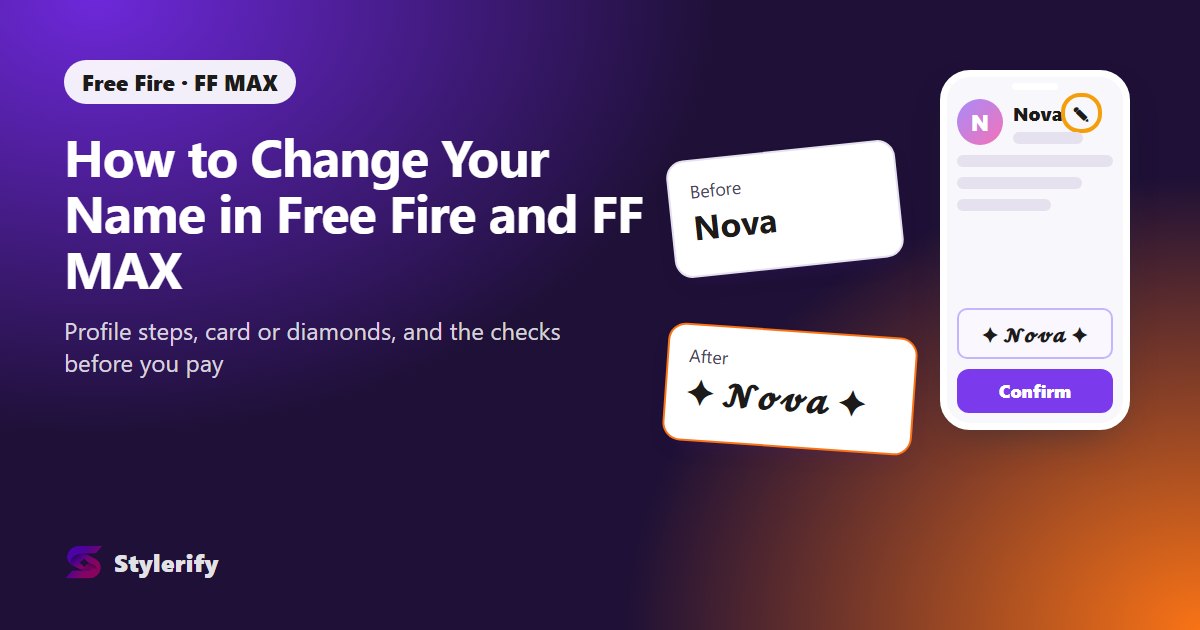 Stylish Name Guides Free Fire
How to Change Your Name in Free Fire and FF MAX
Check before you rename How to change your name in Free Fire and FF MAX: the profile steps, Name Change Card or diamonds, the checks to do before you pay, and why names get refused. · 10 min readRead the guide → -
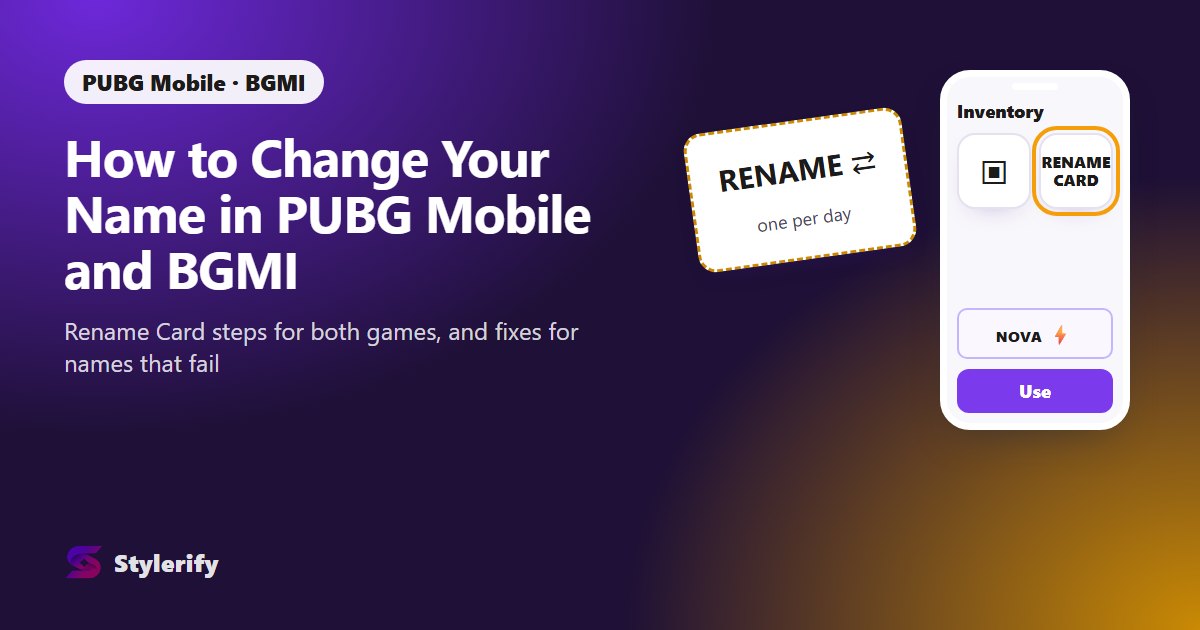 Stylish Name Guides PUBG / BGMI
How to Change Your Name in PUBG Mobile and BGMI
One name, two game guides How to change your name in PUBG Mobile and BGMI with a Rename Card: where to find it, how to get one, the name rules, and what to do when a name fails. · 9 min readRead the guide → -
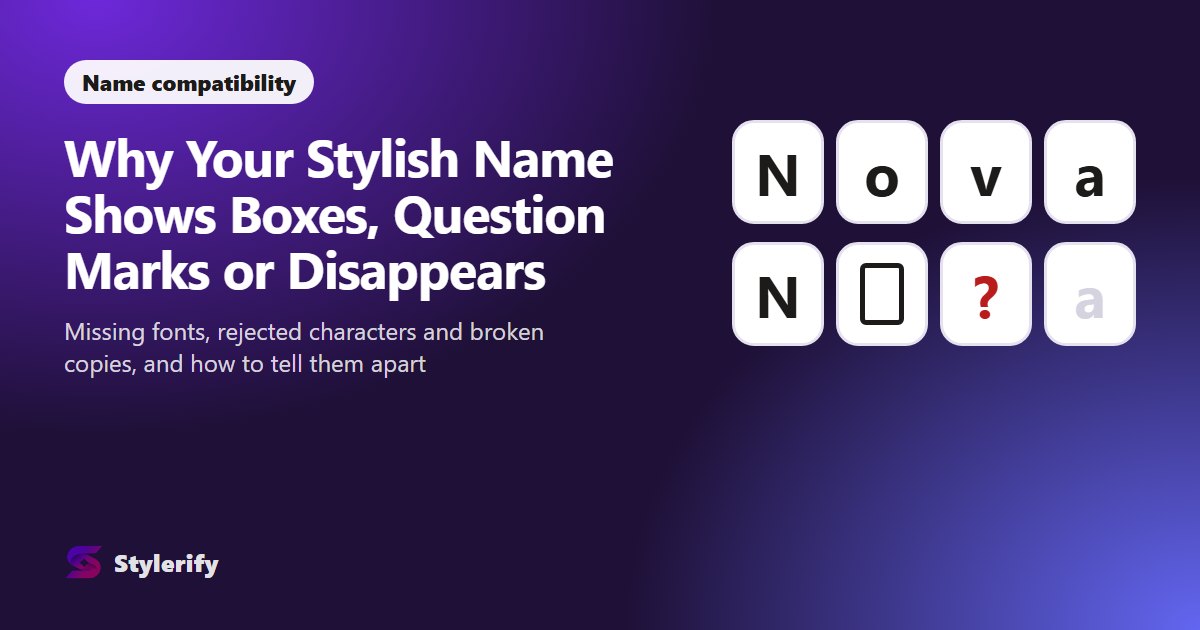 Stylish Name Guides Name compatibility
Why Your Stylish Name Shows Boxes, Question Marks or Disappears
Boxes, question marks, missing text Why a stylish name shows boxes, question marks or vanishes: missing fonts, rejected characters and broken copies, with a step-by-step check to find the cause. · 12 min readRead the guide → -
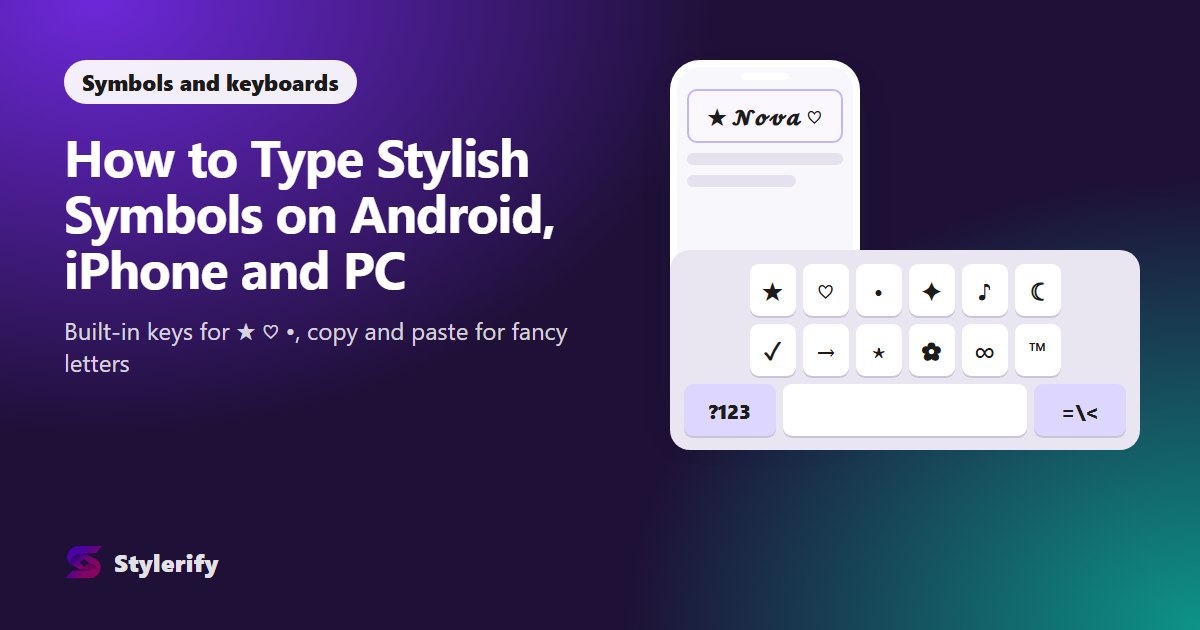 Stylish Name Guides Symbols and keyboards
How to Type Stylish Symbols on Android, iPhone and PC
Type it or copy it How to type stylish symbols such as ★ ♡ • on Android, iPhone, Windows and Mac with built-in keyboards, plus copy and paste for fancy letters a keyboard lacks. · 10 min readRead the guide →
Looking for a name rather than a fix? Start with the stylish name generator, or paste a name you already have into the Name Checker to see every character in it.