













To change your name in PUBG Mobile, open your Inventory, find the Rename Card in the crate section, tap Use, type the new name and tap OK. BGMI works the same way with its own Rename Card. Both games allow one rename per day, and the card is used up.
The 2 games share a method but not an account, a shop layout or a support desk, so each has its own section below. A Rename Card is limited, so prepare the name first: create a stylish PUBG Mobile name or use the BGMI name maker, then copy it before you open the game.
Change Your PUBG Mobile Name With a Rename Card
PUBG Mobile's help centre says a Rename Card is the only way to change your nickname, and you can do it once per day. The card is used from your inventory:
- Open Inventory. From the lobby, tap Inventory.
- Open the crate section. Tap the crate (box) icon, where items such as cards are kept.
- Select the Rename Card and tap Use.
- Enter the new name. Paste the name you prepared, or type it. Check every character before going on.
- Tap OK. Once the game accepts the name, the card is used and your profile shows the new name.
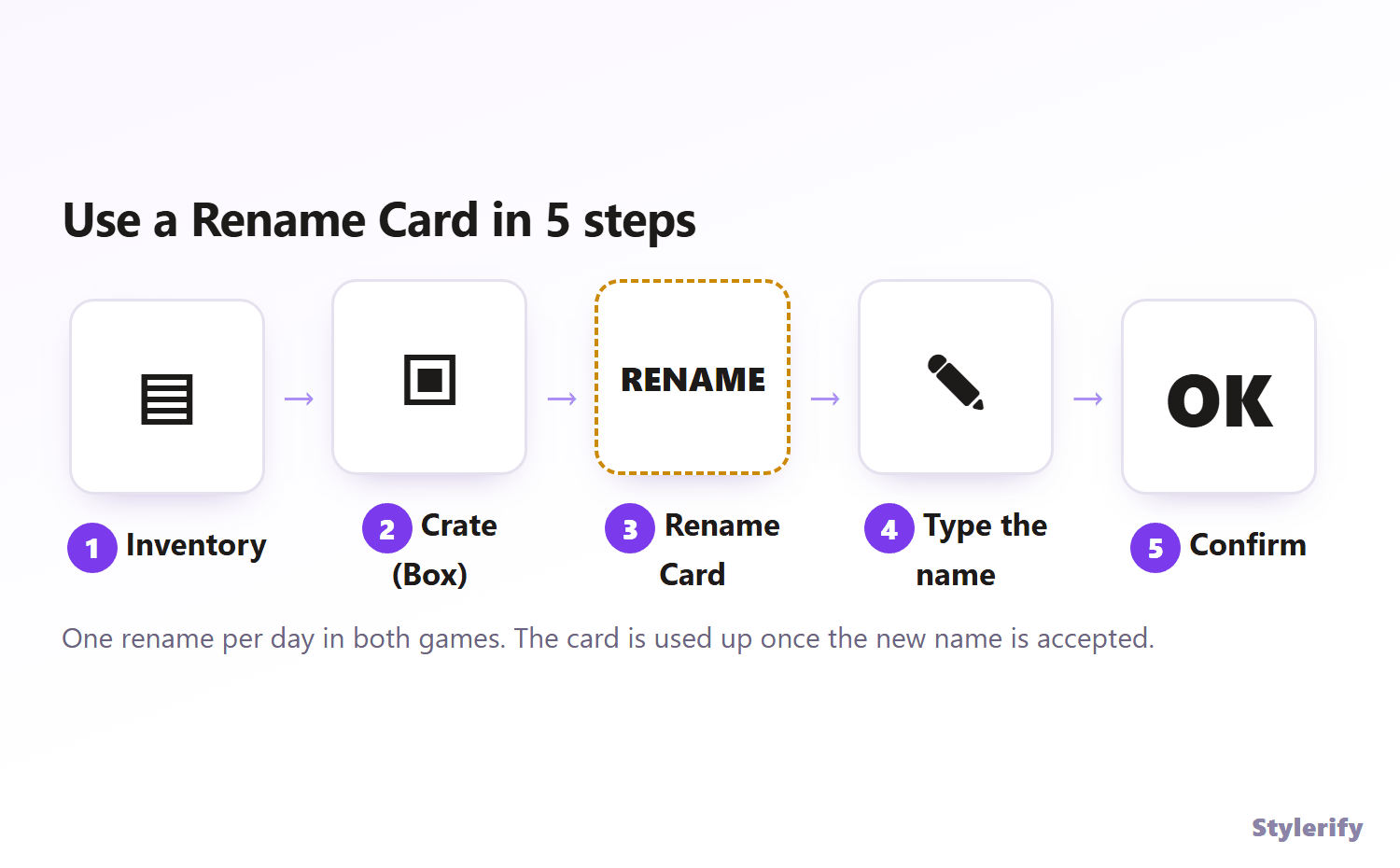
The Use and OK labels come from player guides with screenshots; PUBG Mobile's own help page names the card and the inventory without listing every button. Your game version may word them slightly differently.
Where PUBG Mobile Keeps Rename Cards
The current help page points to the Cards tab in the Shop for buying Rename Cards. An older PUBG Mobile help article said Shop, then Treasures, which matches many older guides; that location has since moved. Once you own a card, it waits in your Inventory until you use it.
Source: PUBG Mobile help, changing your nickname.
Change Your BGMI Name Step by Step
Battlegrounds Mobile India (BGMI) is KRAFTON's version of the game for India, with its own accounts, events and help centre. Its help page confirms the same rule: a Rename Card, used once per day, which disappears after use.
- Open Inventory from the BGMI lobby.
- Open the Box section, where the Rename Card is listed (some versions call it an ID card).
- Select it and tap Use.
- Enter the new name, checking it letter by letter.
- Tap OK to confirm. The card is removed from your account once used.
BGMI's help page sends players to Shop, then Treasures, to buy a card, and says new players get free cards from the Level 3 and Level 10 Progress Missions. BGMI's help states too that duplicate nicknames are not allowed, so a name someone already uses will be refused.
Sources: BGMI help, changing your name; BGMI help, new accounts.
PUBG Mobile and BGMI Side by Side
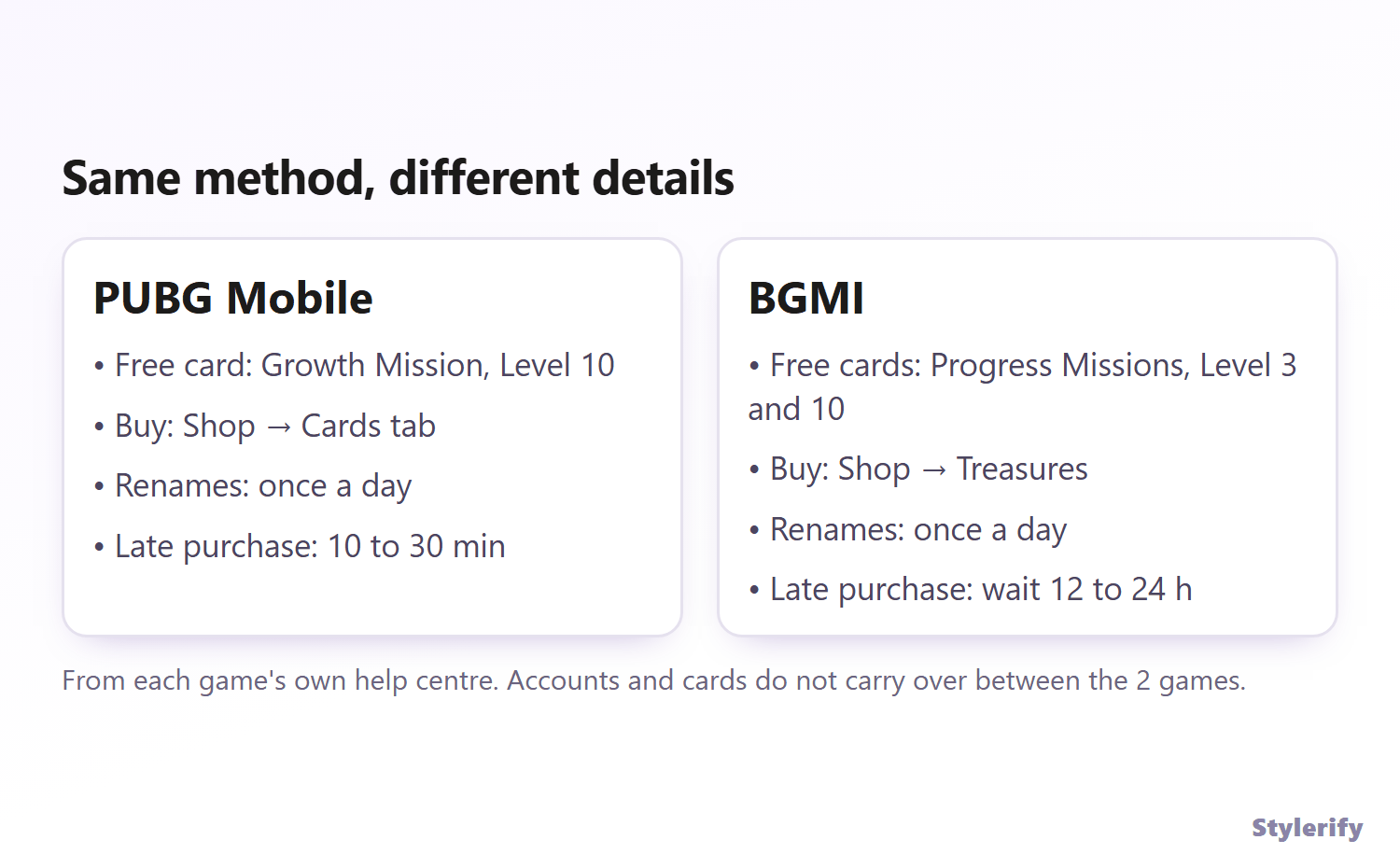
The rename method matches, and 6 details differ or need checking in your own game:
| PUBG Mobile | BGMI | |
|---|---|---|
| Free card | Growth Mission at Level 10, then later Growth Missions | Progress Missions at Level 3 and Level 10 |
| Where to buy | Shop, Cards tab | Shop, Treasures |
| Renames per day | One | One |
| Price in Unknown Cash (UC) | Not published; read it in the shop | Not published; read it in the shop |
| Missing purchase | May take 10 to 30 minutes | Wait 12 to 24 hours, then contact support |
| Help centre | pubgmobile.helpshift.com | bgmi.helpshift.com |
Accounts do not carry over between the 2 games, so a card in one is not usable in the other. Rename in the app you actually play.
How to Get a Rename Card
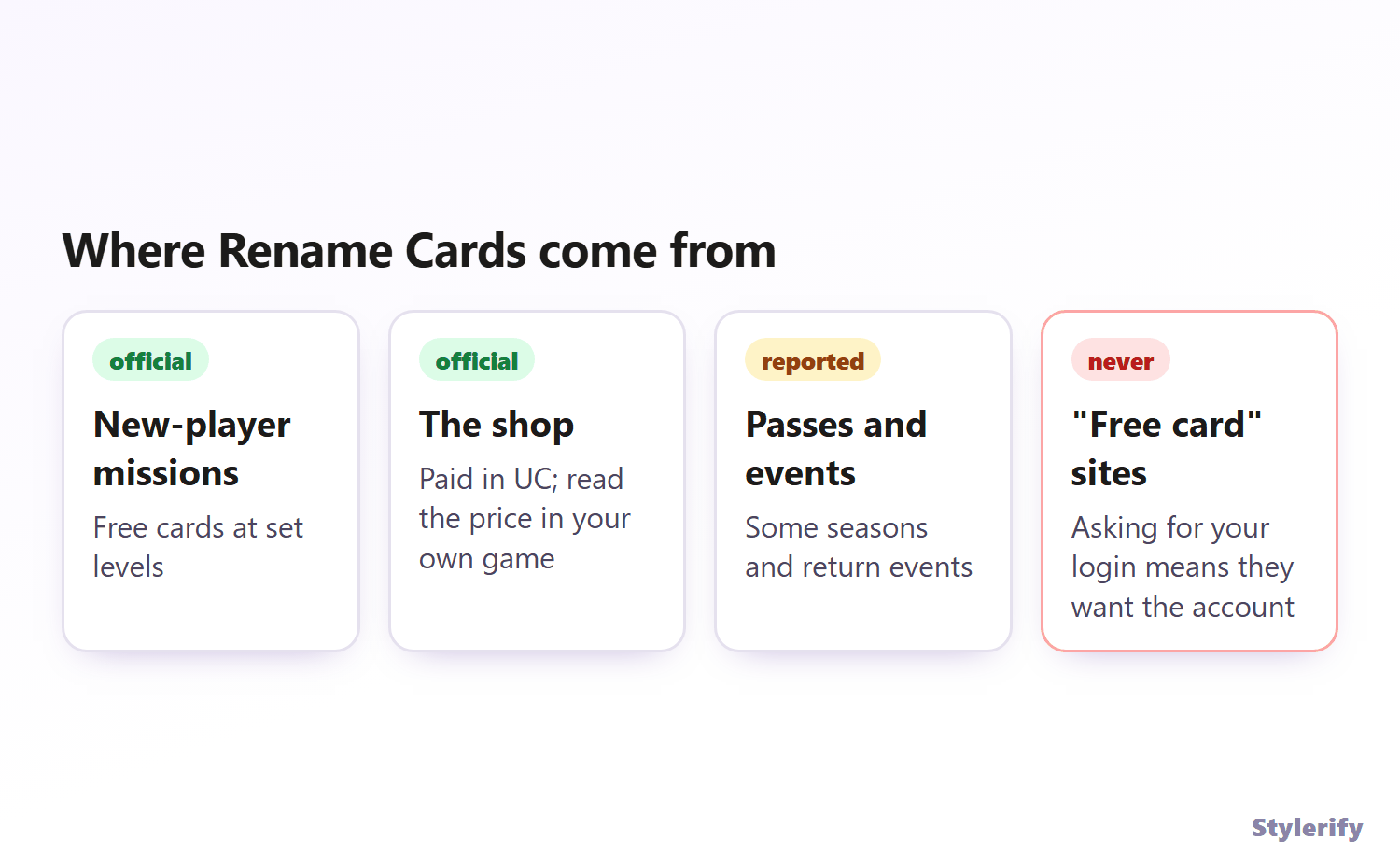
Rename Cards come from missions, the shop, and some events and passes. The mission routes are the ones the games document:
- New-player missions (official). PUBG Mobile gives the first free card for the Growth Mission at Level 10. BGMI gives cards for the Level 3 and Level 10 Progress Missions.
- The shop (official). Both games sell Rename Cards for UC, the games' paid currency. Neither publishes the price; guides quote figures between 150 and 200 UC from different years, so read the price on the shop button in your own game.
- Passes and events (reported). Player guides report Rename Cards as Royale Pass tier rewards in some seasons, and in return events for players who come back after a break. These vary by season and are not guaranteed.
Check Whether You Already Own One
Open Inventory and look in the crate (Box) section before buying. Then check your in-game mail, where some event and mission rewards arrive. A card you own is listed with a Use button.
No website, app or "generator" can add a Rename Card to your account. Pages that promise free cards or UC after you log in with your game account are trying to take the account.
Prepare the Name Before You Use the Card
Before you tap OK, check the spelling, the characters and the length, as a typo costs another card and another day. 5 things to look at:
- Length. Neither game publishes a character limit. Guides quote different numbers, so keep the name short and test the length in the box itself.
- Characters. Players report an "invalid characters" message for some symbols. Letter-like styles such as ɴᴏᴠᴀ are reported to work more often than rare symbols.
- Numbers only. PUBG Mobile's developers have said a nickname made only of numbers is not allowed in newer versions.
- Offensive words. PUBG Mobile lists nicknames among the places where abuse, racism, phishing and ads are banned, and reported names can be dealt with.
- Readability. Teammates read your name in the kill feed and the squad list for a second at a time. 𝗡𝗼𝘃𝗮 or a name with one symbol reads faster than a heavy frame.
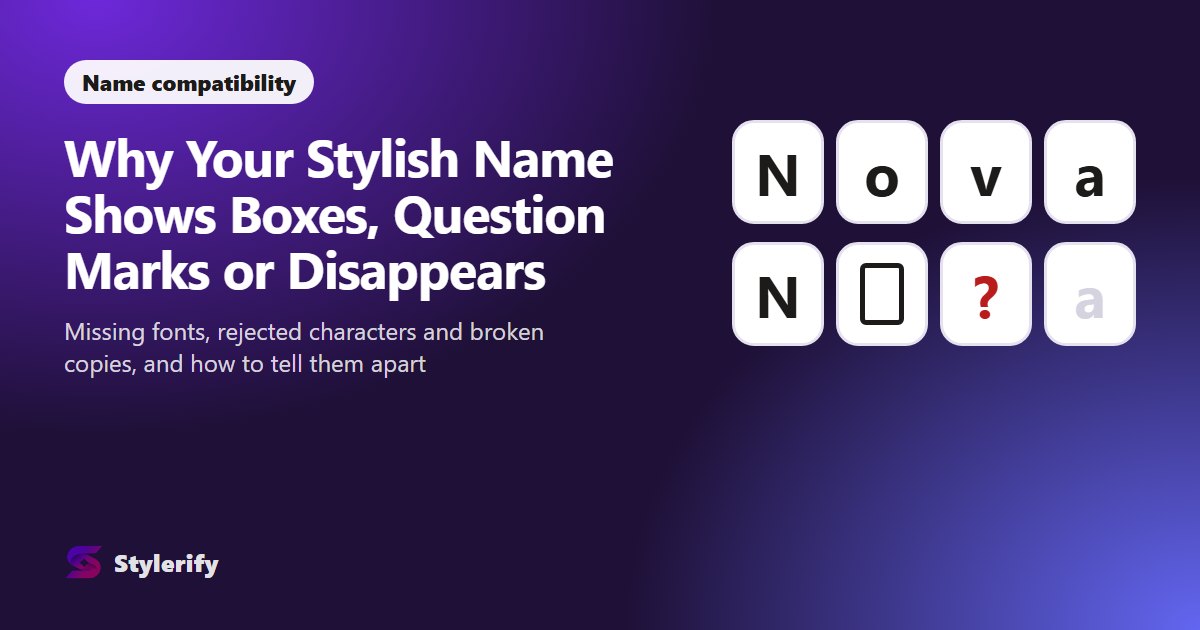
Styled letters and plain letters are different characters, so ɴᴏᴠᴀ and Nova count as different names. That helps when your plain name is taken, and it is the reason a copied name sometimes behaves unlike the same name typed by hand. The guide on why stylish names show boxes, question marks or disappear covers what happens to unusual characters in detail.
Practical Name Check Before You Use a Rename Card
✓ Practical name check⏱ about 4 minutes
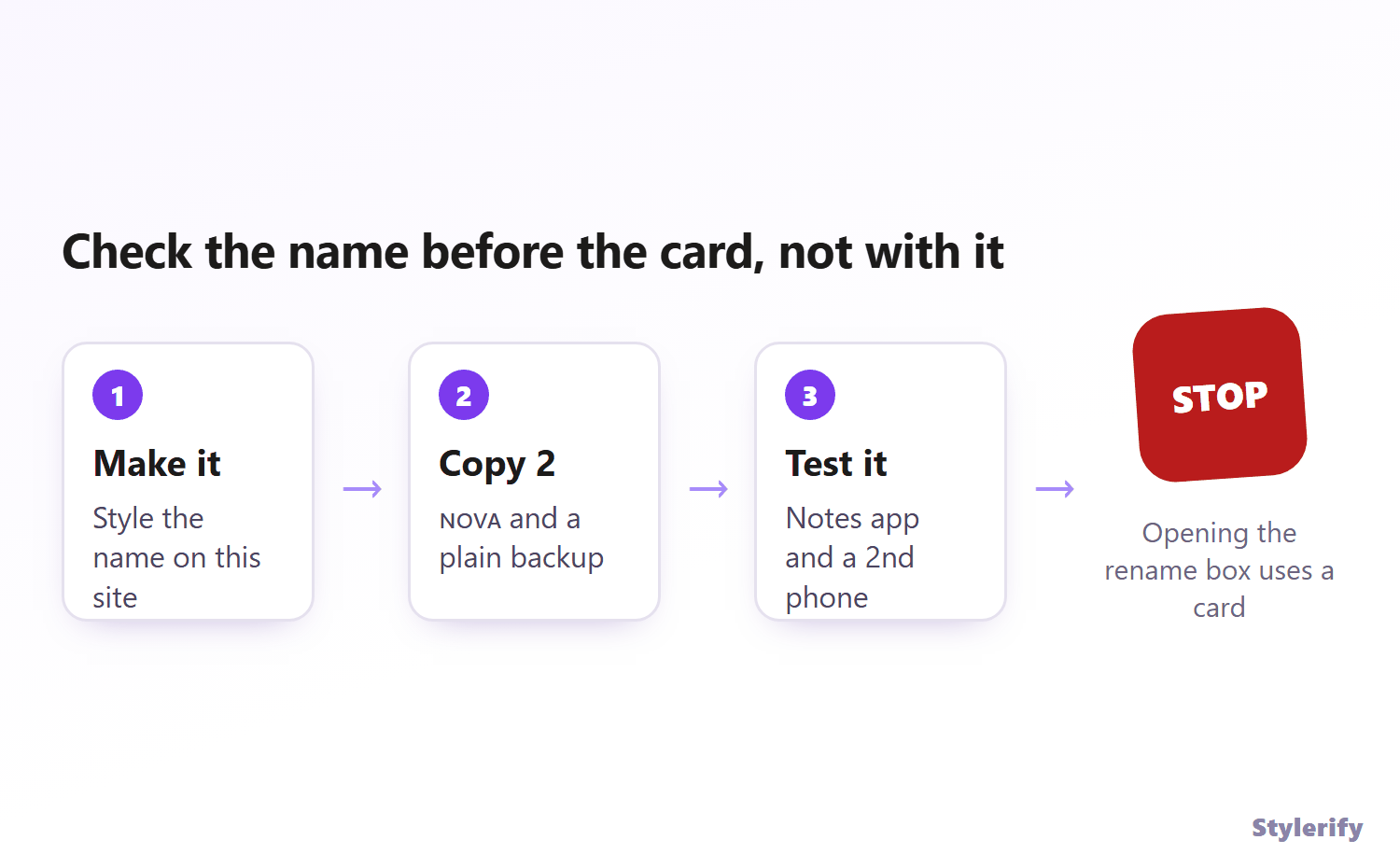
Goal: have one readable candidate and one simpler backup ready to paste, without using a Rename Card to test.
- Open the PUBG Mobile name maker with the button below (or the BGMI name maker) and type the name you want.
- Copy 2 versions: a readable one such as ɴᴏᴠᴀ, and a simpler backup such as plain Nova.
- Paste both into a notes app and read them at normal size. Paste them into the Name Checker to see every character and its length.
- Send them to a squadmate on another phone and ask what they see.
- Stop before the game. Opening the rename box means using a card, and the games show no free preview first, so this check ends outside the game.
Success check: both versions show complete on 2 phones, with no boxes or missing letters, and you have the backup ready if the game refuses the first.
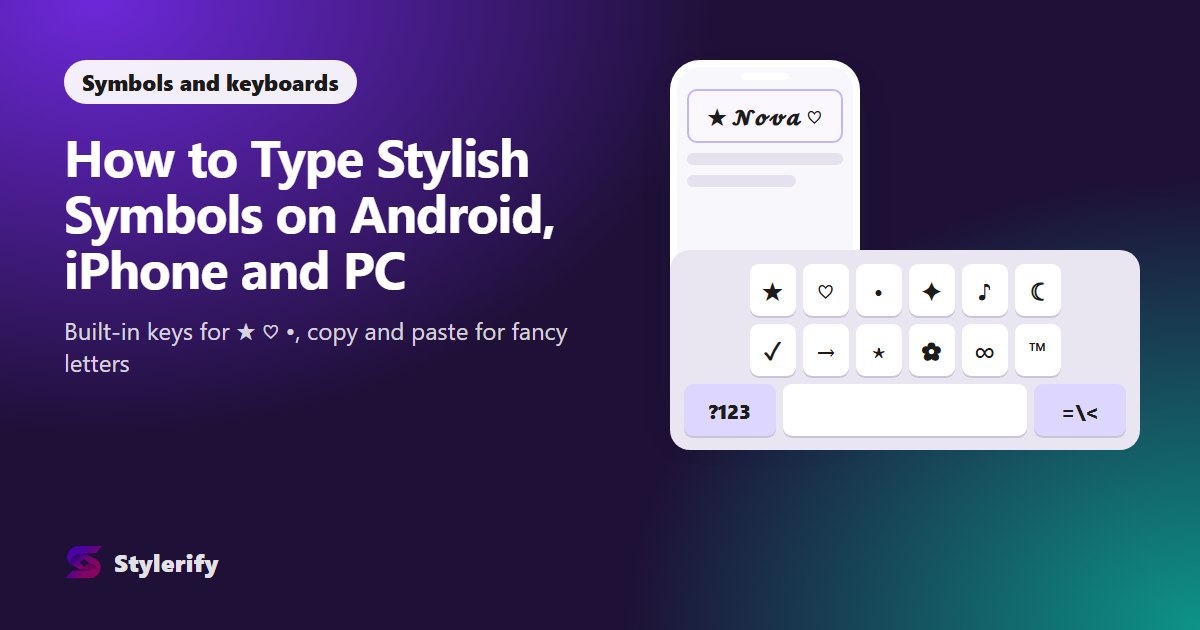
When it fails: drop symbols one at a time, keep the backup as your first choice, and read how to type stylish symbols for a cleaner way to enter them.
These games accept or refuse a name only at the final step, so no outside check can promise a name will save.
When a PUBG Mobile or BGMI Rename Fails
A failed rename has 6 common causes. Match what you see:
| What you see | Likely cause | What to do |
|---|---|---|
| No Rename Card in the inventory | None owned, or it is still in your mail | Check the crate section and mail; complete the new-player missions |
| Name already taken | Another player holds that exact name | Change one letter's style or add a symbol |
| "Invalid characters" | A symbol or space the game refuses | Use the backup, or remove symbols one at a time |
| A symbol vanished after renaming | The game removed a character it does not allow | Choose a simpler symbol next time |
| Cooldown message | You already renamed today | Wait until the next day |
| Bought a card, nothing arrived | A delayed purchase | Wait (10 to 30 minutes for PUBG Mobile, 12 to 24 hours for BGMI), then contact support |
For trouble with the characters themselves, the guide on typing stylish symbols on Android, iPhone and PC shows clean ways to enter or paste them.
Clan Names in PUBG Mobile
A clan name is separate from your player name. PUBG Mobile's patch notes from 2018 added a Clan Rename Card that only the clan leader can buy and use. Player guides report it is bought with clan points and limited to one change every 60 days; those details are not on a current official page. BGMI publishes no clan rename instructions, so check the clan screen in your own game.
Contact Support for Account or Purchase Problems
For a missing card or a rename that charged you without changing the name, use the support button inside the game:
- PUBG Mobile. In the lobby, open Settings, then Basic Settings, and tap the customer service (CS) button. The help centre says you can contact support on the web without logging in to the game too.
- BGMI. Tap the settings icon in the bottom-right corner of the lobby, then Customer Service.
For a purchase, give support the payment date and time, your player ID and the item name. Never share your password or a login code; support does not need them.
Sources: PUBG Mobile help, contact support; PUBG Mobile help, missing purchase; BGMI help, payment issues.
Frequently Asked Questions
Is renaming different in PUBG Mobile and BGMI?
What is a Rename Card for?
What if I cannot find my Rename Card?
Can I change my name twice in one day?
Do PUBG Mobile and BGMI accept every copied Unicode character?
Testing a name in a generator shows how it looks; only the rename screen shows whether the game keeps it. Do the cheap checks outside the game, keep a simpler backup, and use the Rename Card once, when you are sure.